First decide which IP address you need
The quickest way to find a device’s local IP address is to open the details of its current network connection. On Windows, look in Network & internet; on Mac, open Network settings; on a phone connected to Wi-Fi, inspect that network’s information. These screens usually answer questions about connecting a printer, identifying a device at home or helping a technician diagnose a local network.
Your public internet address is a different question. It concerns the address used beyond your local network, which may belong to a router, an internet provider’s shared system or a VPN exit. Before copying any number, ask whether the task concerns your device inside the network or the connection seen by an external service. This prevents the most common mix-up.
What IPv4 and IPv6 mean in practice
An IP address identifies a network interface for communication using the Internet Protocol. IPv4 is commonly written as four numbers separated by dots. IPv6 uses a longer hexadecimal notation with colons and can appear alongside IPv4 on the same device. Seeing both is normal; the operating system and destination can use different protocols for different connections. You do not need to delete one to make the other meaningful.
A computer can also have several interfaces: Wi-Fi, Ethernet and virtual adapters created by software. Each may display different addresses, including entries that are irrelevant to the connection you are investigating. Note the interface name with the address. Copying the first number in a long list without identifying its connection can send a technician towards an unused adapter rather than the working network.
Private addresses, public addresses and the router
RFC 1918 reserves three IPv4 ranges for private networks: 10.0.0.0/8, 172.16.0.0/12 and 192.168.0.0/16. A hypothetical device at 192.168.1.25 can therefore have a perfectly valid local address without that being its public internet identity. The middle range covers 172.16 through 172.31, rather than every address beginning with 172. These addresses can be reused in separate homes or organisations.
A router connects networks and often translates traffic between private IPv4 devices and an outward-facing connection. Its local gateway address is another number you may see beside your device’s address. Gateway, DNS server and subnet mask have different purposes; none should be substituted simply because it appears in the same settings panel. Record the field label as well as the value when requesting support.
Find the address in Windows without changing settings
Open Settings, then Network & internet. For Wi-Fi, open the connected network’s properties or hardware information; for a cable, open the Ethernet connection’s details. Look for the labelled IPv4 and IPv6 addresses. The exact arrangement varies with the Windows version, but the useful information belongs to the active connection. A disconnected wireless adapter is not the right reference when the computer is currently using Ethernet.
If you prefer a command, open Command Prompt or Terminal and enter ipconfig. Without additional options, Microsoft documents this as a way to display addressing information, including IPv4, IPv6 and the default gateway. Read the relevant adapter’s section. There is no need to run release, renew or other modifying commands merely to discover an address. Keep a screenshot private if it exposes unrelated network details.
Find the address on a Mac
Open the Apple menu, choose System Settings and select Network. Choose the connected service, such as Wi-Fi or Ethernet, open Details and look at TCP/IP. The panel shows the addressing information for that connection. On older macOS versions, the corresponding controls are under System Preferences, so the names and layout may differ from current screenshots without implying a network fault.
This panel also contains controls that can change how the Mac obtains an address. Reading a value does not require switching DHCP to manual configuration, changing the router field or typing a guessed address. Close the panel without applying changes if you only needed to copy information. If a support team asks for an IPv4 address, send that labelled value rather than the router’s address or the physical hardware identifier.
Find the address on Android
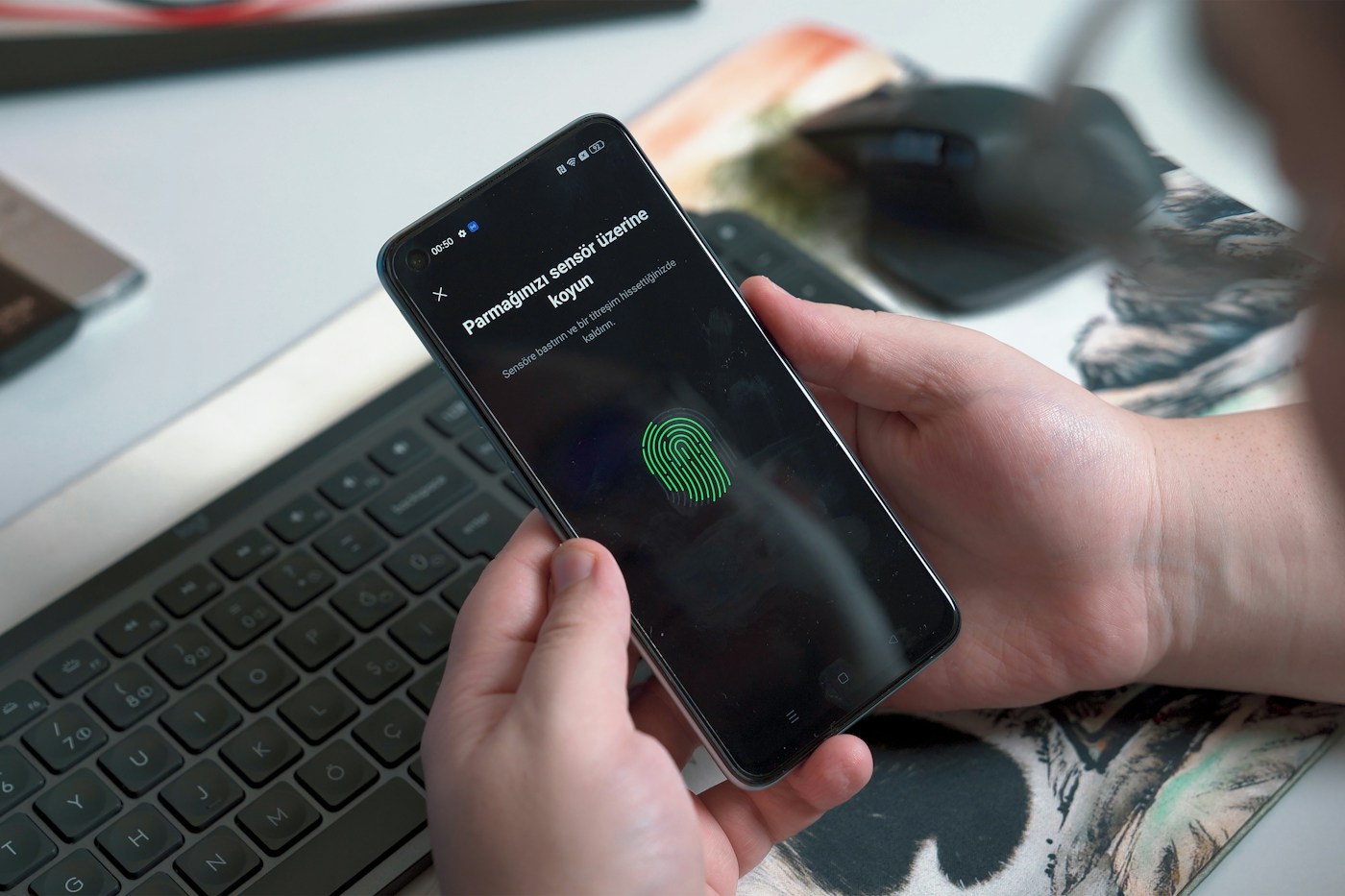
Connect to the Wi-Fi network you want to examine, then open Settings and its network section. Depending on the manufacturer, this may be called Network & internet, Connections or Wi-Fi. Open the connected network and look for details, advanced information or a similar panel containing the IP address. Some phones also show network identifiers in About phone or Status. Manufacturer support is the best reference when menu names differ.
Make sure you are reading the current network rather than a saved connection that is not in use. Switching from Wi-Fi to mobile data changes the route and may change the relevant address. The label MAC address or randomised hardware address identifies a different layer of networking. Do not copy that value when a printer setup screen or support request specifically asks for an IP address.
Find the address on iPhone or iPad
Open Settings, choose Wi-Fi and tap the information button beside the network currently connected. Read the IP address in its network details. Depending on the network, IPv4 and IPv6 information can be present. The router field describes the gateway, not the iPhone itself. If you have several saved networks, confirm the connection indicator before copying the information.
The Private Wi-Fi Address setting concerns the device’s hardware identifier on that network; it is not a switch that simply reveals or hides the public IP address. Likewise, the local address shown here does not necessarily describe what a website sees when a privacy relay or VPN is involved. For a local accessory problem, keep the phone on the same intended network while checking its address and the accessory’s connection.
How to check the public side without guessing
If you administer your own router, consult its official app or administration interface and look for Internet, WAN or connection status. Use the manufacturer’s instructions and the existing management address, not a guessed login page from an advertisement. The address shown describes the router’s upstream interface. Your provider’s customer support or account tools can clarify whether that address is publicly reachable or part of a shared arrangement.
A provider may place another translation layer upstream, so a WAN value is not always the final public IPv4 address visible to internet services. A VPN can also make an external service see the VPN server’s exit address instead of your ordinary connection. Keep those possibilities in mind when comparing two results. You do not need to install a random app or give a website notification permissions to read local network settings.
CGNAT explains some apparently conflicting results
Carrier-grade NAT, commonly called CGNAT, allows a provider to share public IPv4 connectivity among customers. RFC 6598 reserves the range 100.64.0.0/10 for shared address space. That range is distinct from the private ranges defined by RFC 1918, although it can produce a similar practical surprise: the router’s upstream IPv4 value differs from the address observed farther out on the internet.
This distinction becomes relevant when troubleshooting a connection that needs incoming access, but finding an address is not a reason to expose an administration page or open ports. Ask the provider what arrangement applies to your service and whether your intended application is supported. The presence of CGNAT does not by itself prove a fault, and copying a different number into a local settings panel will not remove it.
Use the result safely and keep the connection context
An address can change when a device reconnects, moves between networks or receives a new lease. The public address may change independently of the local one. Record the date, connection type, device and field label when collecting information for a specific incident. An address found yesterday at home may be irrelevant to a problem occurring today on hotel Wi-Fi. A static address is a configuration choice, not an automatic requirement for ordinary browsing.
An IP address alone does not reliably reveal an exact house, a person’s identity or a GPS position. It is still sensible to share network details only where needed. Send the relevant value privately to an authorised support contact rather than posting a whole diagnostic screen. For troubleshooting, explain what failed and which network was active; the number becomes useful when combined with that precise context.
Frequently asked questions
Is my Wi-Fi IP the same as my public IP?
Usually not on a typical private IPv4 home network. The Wi-Fi details identify your device locally; internet traffic may leave through a router, provider translation or VPN.
Can my phone have IPv4 and IPv6 together?
Yes. Both protocols can be available on the same connection, and different destinations can use different addresses.
Which ipconfig entry should I copy?
Choose the active Wi-Fi or Ethernet adapter and the field requested by support. Do not confuse the IPv4 address with Default Gateway or DNS.
Does an IP address reveal my exact home?
An IP address alone does not reliably identify a precise house or GPS position. Location estimates can be approximate or describe a provider or VPN exit.
Why does my IP change?
A network can allocate addresses dynamically. Reconnecting, changing networks or using a different route can change local or public addresses independently.
Is 100.64.x.x a normal public IPv4 address?
The 100.64.0.0/10 block is shared address space reserved for provider arrangements such as CGNAT. Ask your provider how its connection is configured.
Do I need an app to find my local IP?
No. Windows, macOS, Android and iPhone provide network information in their built-in settings. Menu names vary by version and manufacturer.