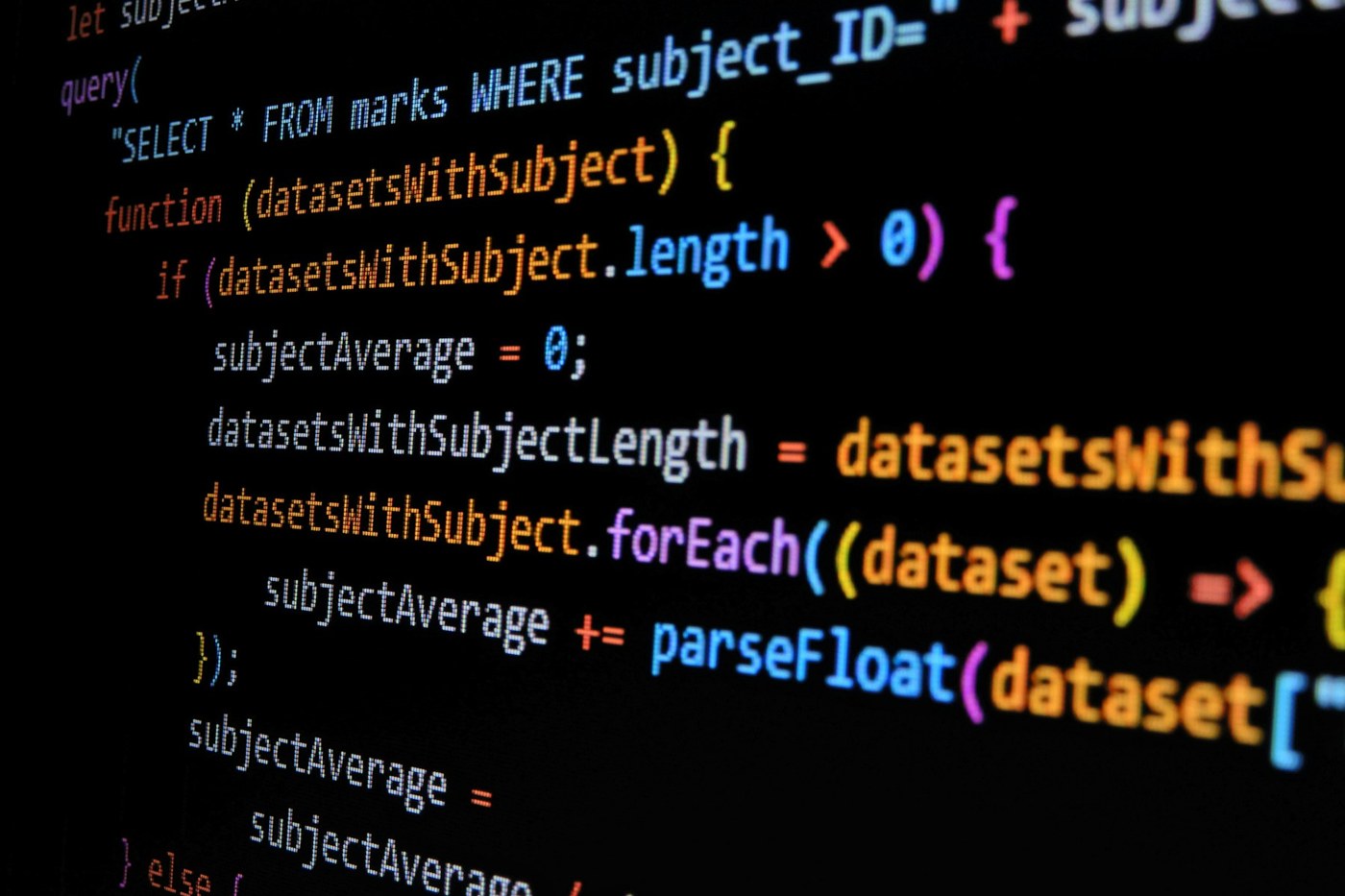
What is JavaScript used for?
JavaScript is a programming language that brings behaviour to a web page: responding to a click, checking information or updating some content. HTML describes structure, CSS controls presentation and JavaScript executes instructions. They have different responsibilities but work together. JavaScript also runs outside browsers, although starting with a small page makes the effect of each change easier to see and understand.
You do not need to master the entire language before building a first exercise. You need to understand a problem, represent information and test a small solution. Your initial aim is to explain your own code. Copying a large working project without understanding it provides less independence than writing a simple counter and knowing exactly how to change its behaviour.
What knowledge and tools do you need?
Start with essential HTML: headings, paragraphs, buttons, attributes and links between files. For CSS, initially knowing how to select an element and change a property is enough. You need not wait until you are an accomplished designer. An up-to-date desktop browser and a plain-text code editor are sufficient for the exercises here; a complicated development platform is not required.
Create a dedicated practice folder. Choose clear file names and save a version before making substantial changes. MDN's free learning pathway organises the fundamentals and gives you explanations to consult when questions arise. Avoid juggling many introductory courses at once. Follow one sequence, complete the exercises and use additional references for specific questions rather than repeatedly restarting with another first lesson.
Begin with the browser console
Browser developer tools include a console where you can try expressions and inspect their results. On your own local practice page, enter 2 + 3 and run it. Then try some text enclosed in quotation marks. The console also displays messages from console.log and helps reveal errors; you do not need to keep the final programme entirely inside it.
Experiment only with code you understand in your learning environment. Pasting unknown instructions into a banking, email or other signed-in page can perform actions with that page's permissions. A local page without personal data is enough to explore numbers and text. Keep each experiment small, and predict its result before running it. Comparing that prediction with the output helps distinguish genuine understanding from simply recognising a familiar example.
Variables give information a name
A variable associates a name with a value. Use const when you do not intend to assign a different value to that binding, and let when reassignment is expected, as with a counter. For example, let total = 0 creates a reference whose value can subsequently increase. Prefer names that explain a purpose, such as total, price or quantity, while respecting JavaScript's rules for identifiers.
Const does not automatically make every part of an object immutable. It prevents reassignment of the variable, while properties may still change. You need not study every complication immediately, but avoid building on that mistaken assumption. Try an exercise with two variables, change one and inspect the other. Distinguishing the name, stored value and operation becomes particularly useful when a programme extends beyond a single line.
Understand types, operations and comparisons
A number and a piece of text containing digits are different values. The expression 2 + 3 gives 5, while "2" + "3" joins text and gives "23". Values read from form fields often arrive as text and may need explicit conversion. Practise numbers, strings, booleans and missing values before combining everything in a larger project with several inputs.
Use a strict comparison such as === when you want equality without that operator automatically converting types. Then try if and else with a simple condition, such as displaying a message once the total exceeds a limit. Specify what should happen in the other case too. Testing zero, a boundary value and an unexpected input often reveals assumptions that remain hidden in an ideal example.
Functions, lists and repetition make reusable pieces
A function groups instructions, can accept parameters and can return a result. The function function add(a, b) { return a + b; } lets you try different pairs of numbers without rewriting the calculation. Separate calculating a result from displaying it on the page. That distinction makes it easier to investigate a correct number that is appearing in the wrong place.
Next learn arrays for lists and objects for related properties. Traverse a small list with an appropriate loop or method, taking care not to create endless repetition. Start with three tasks and display each one. Before adding filters, animations or storage, check that you can locate an item, update its value and explain when the loop finishes. Small structures keep the underlying reasoning visible while you practise.
Your first project: a button that counts clicks
Create a file named index.html containing the three table rows in order, using a plain-text editor. Save it as an HTML file and open it in your browser. The button should appear beside a starting value of zero. Each click adds one and replaces the paragraph's displayed text. This exercise works locally without installing a library or registering an account.
The script comes after the button and paragraph so those elements already exist when the code searches for them. Selectors beginning with # correspond to id attributes. The names total, button and output are the programmer's choices; click identifies the event. If you change an HTML id, update the corresponding selector as well. Save and reload the page, checking that the file you open is the one you actually edited.
| Line | Contents |
|---|---|
| 1 | <button id="count">Add 1</button> |
| 2 | <p id="total">0</p> |
| 3 | <script>let total = 0; const button = document.querySelector('#count'); const output = document.querySelector('#total'); button.addEventListener('click', () => { total += 1; output.textContent = total; });</script> |
What are the DOM and events doing?
The DOM is the representation of a page that the browser makes available to a programme. document.querySelector finds an element; textContent changes its text. In this counter, total holds the state and the paragraph displays a representation of that state. Changing a variable alone does not automatically update every page element: the programme specifies where to show the new value.
addEventListener connects an action to an event, here click. Its supplied function runs when the click occurs, rather than merely when the browser first reads the programme. Use an actual HTML button: it has an appropriate role and supports keyboard interaction. Avoid replacing every interactive control with a generic clickable element. A small interface is a useful opportunity to learn accessibility alongside the behaviour that you want to implement.
How to find out what went wrong
If nothing happens, open the console and read the first error message. Check file names, identifiers, brackets, quotation marks and braces. A syntax error can prevent execution, whereas a logic error can run successfully while producing the wrong answer. These are different problems requiring different checks, not random attempts to change several unrelated lines at once.
Put a console.log inside the click function to see whether it runs. Then inspect total before and after the increase. If the selector returns null, check the id and the script's position. Fix one thing at a time and retest. When requesting help, explain what you expected, what actually happened and the smallest example that reproduces the issue. This description often reveals the missing step before anybody else needs to intervene.
A four-stage learning plan
First practise values, variables and operations until you can predict short examples. Second, combine functions, conditions, arrays and loops in small problems. Third, connect these concepts to HTML through the DOM and events. Fourth, build a modest application for a real need, such as a task list without sensitive information. Each stage may take several sessions; this is not a promise to learn programming in four days.
Divide your time between reading, writing and fixing. After following an explanation, close it and try to reconstruct the exercise. Change a requirement: count in twos, prevent negative numbers or add a reset button. Those changes show where your knowledge still depends on remembering a tutorial's appearance. Record specific questions for the next session instead of measuring progress solely in hours of video watched.
When should you move on to libraries?
Move on when you can build and explain a small interactive page, locate an error and consult documentation without depending on a ready-made solution. Libraries and frameworks help organise certain applications, but they do not replace variables, functions, events or an understanding of the browser. Learning a fashionable tool before these foundations can make every error message harder to interpret.
Next steps might include network requests, asynchronous code, modules and development tools, chosen to suit the project. If you use artificial intelligence assistance, request explanations and test its suggestions: plausible code can still be wrong. Never publish private credentials inside a public example. A small portfolio whose decisions you can justify demonstrates learning more effectively than a collection of copied projects that you cannot confidently modify.
Frequently asked questions
Do I need programming experience before JavaScript?
No. You can start with the fundamentals, although basic HTML makes page-based exercises easier to understand.
Are JavaScript and Java the same language?
No. They are different languages. Their similar names do not mean you must learn Java before starting JavaScript.
Do I need to pay for a course?
No. MDN provides a free learning pathway and documentation. Consistent practice matters more than the price of the materials.
Can I start without installing Node.js?
Yes. The first exercises here run directly in a browser. Node.js may become useful later depending on your project.
Why does searching for the button return null?
The selector may not match its id, or the element may not exist when the script runs. Check both possibilities.
How long does learning JavaScript take?
It depends on your starting point and practice. Measure progress by tasks you can perform and explain rather than a universal deadline.
What makes a useful second project?
Add a reset button to the counter or build a simple task list. Test different cases and explain each modification.